
ONE CARD OR A WHOLE BATCH01
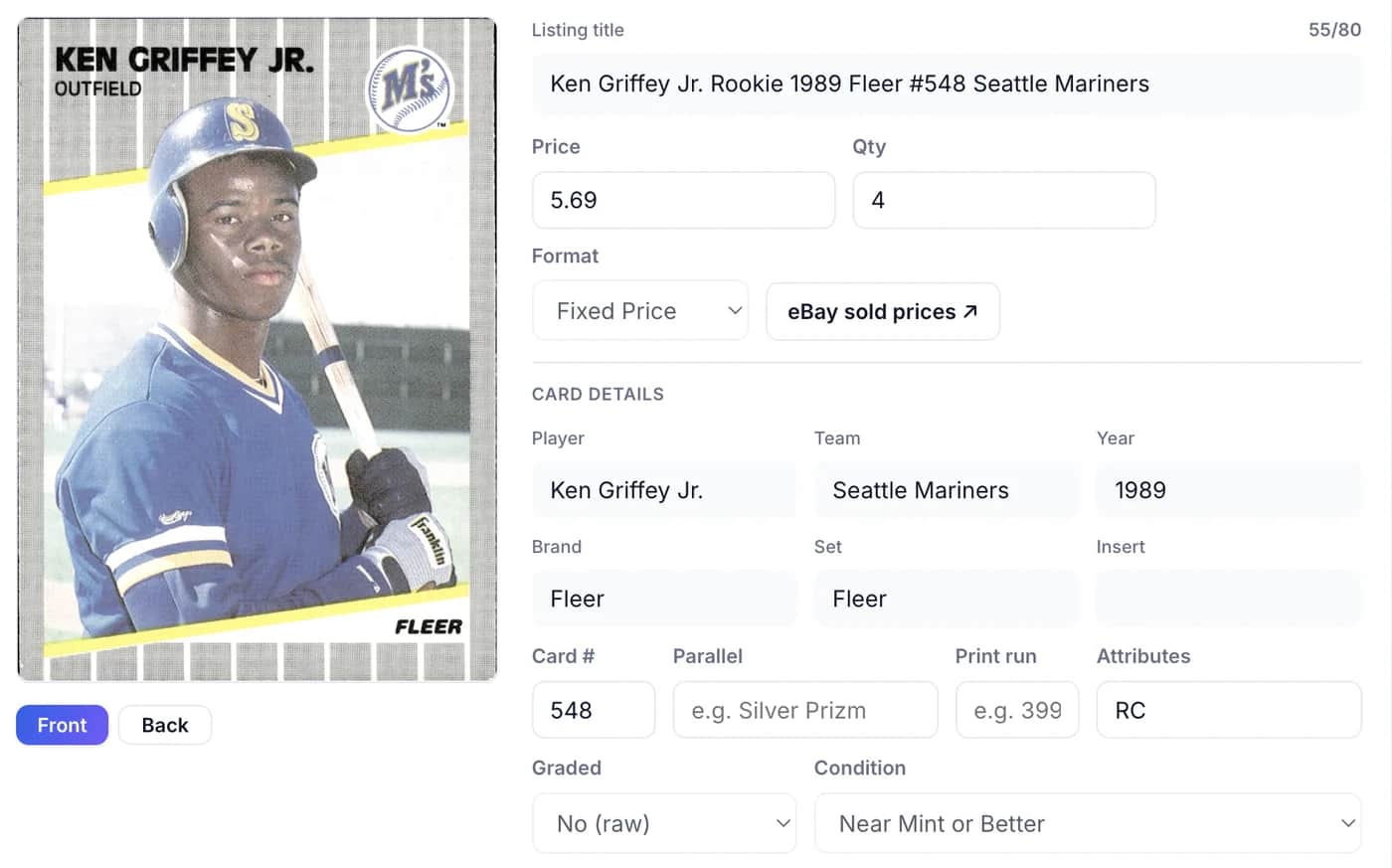
Individual listings.
Upload one card or a whole batch. Each card gets its own listing, photos, title, and price. Review the details before publishing.
Explore single-card listingsCARD LISTING SOFTWARE FOR EBAY
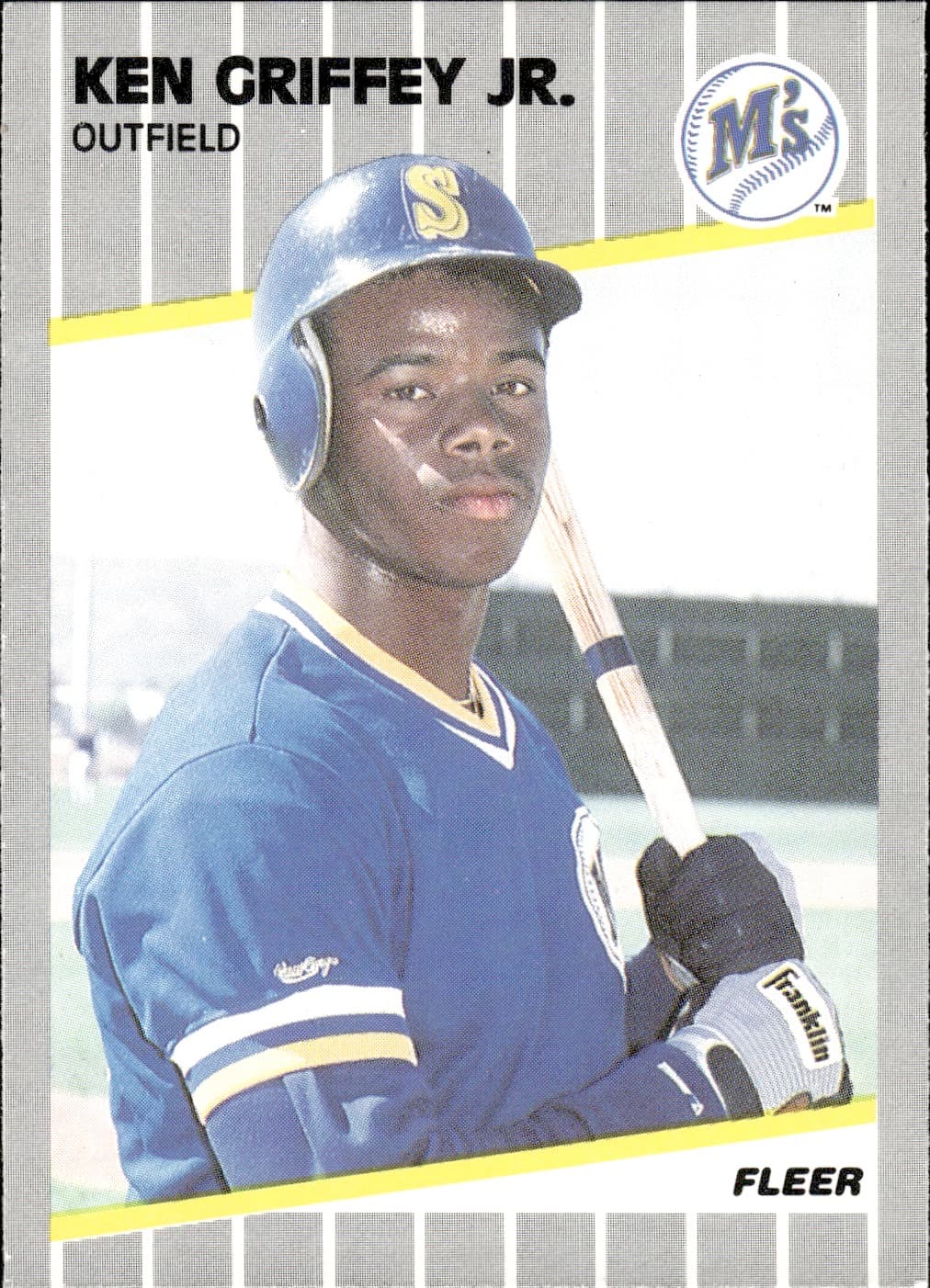
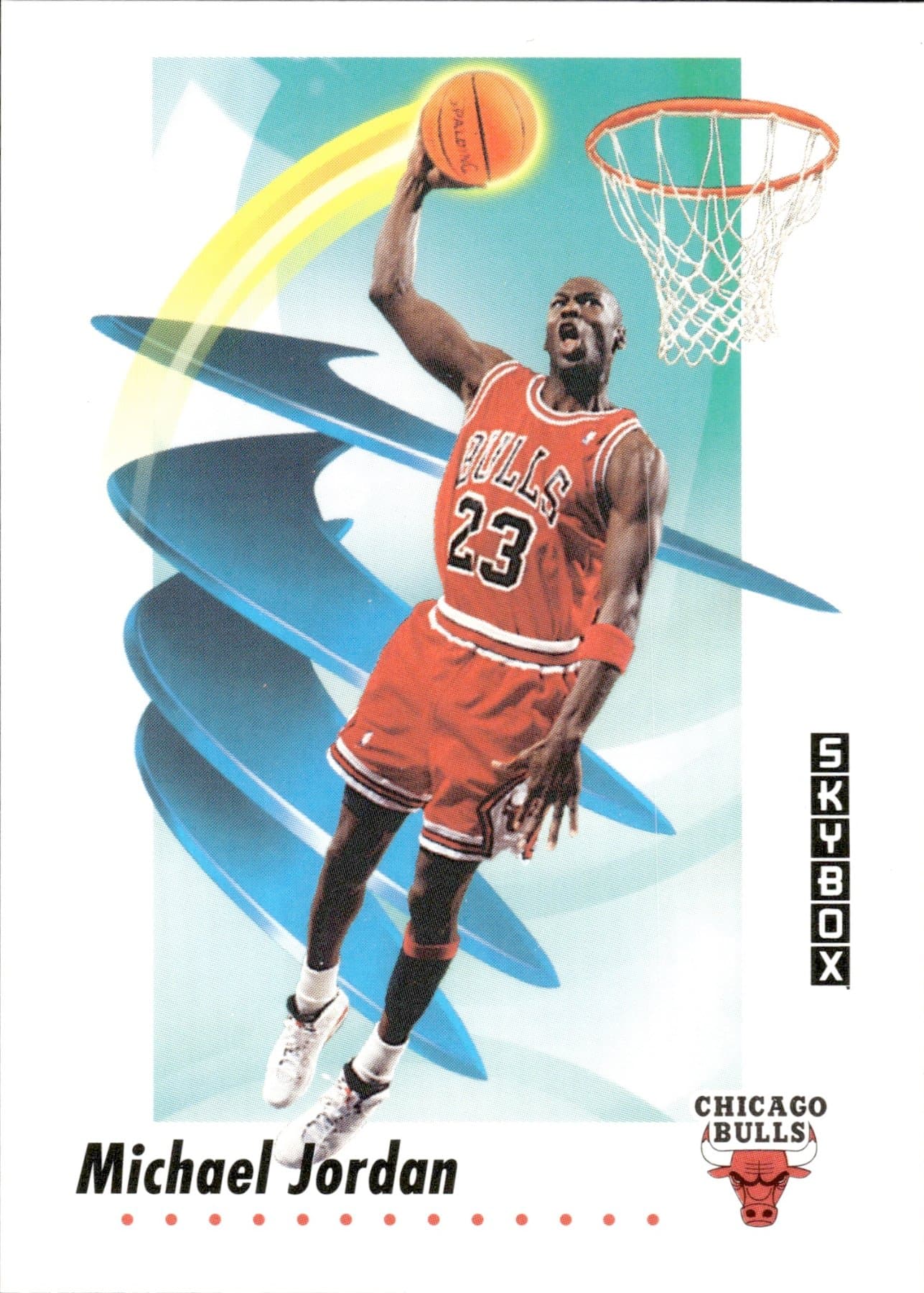
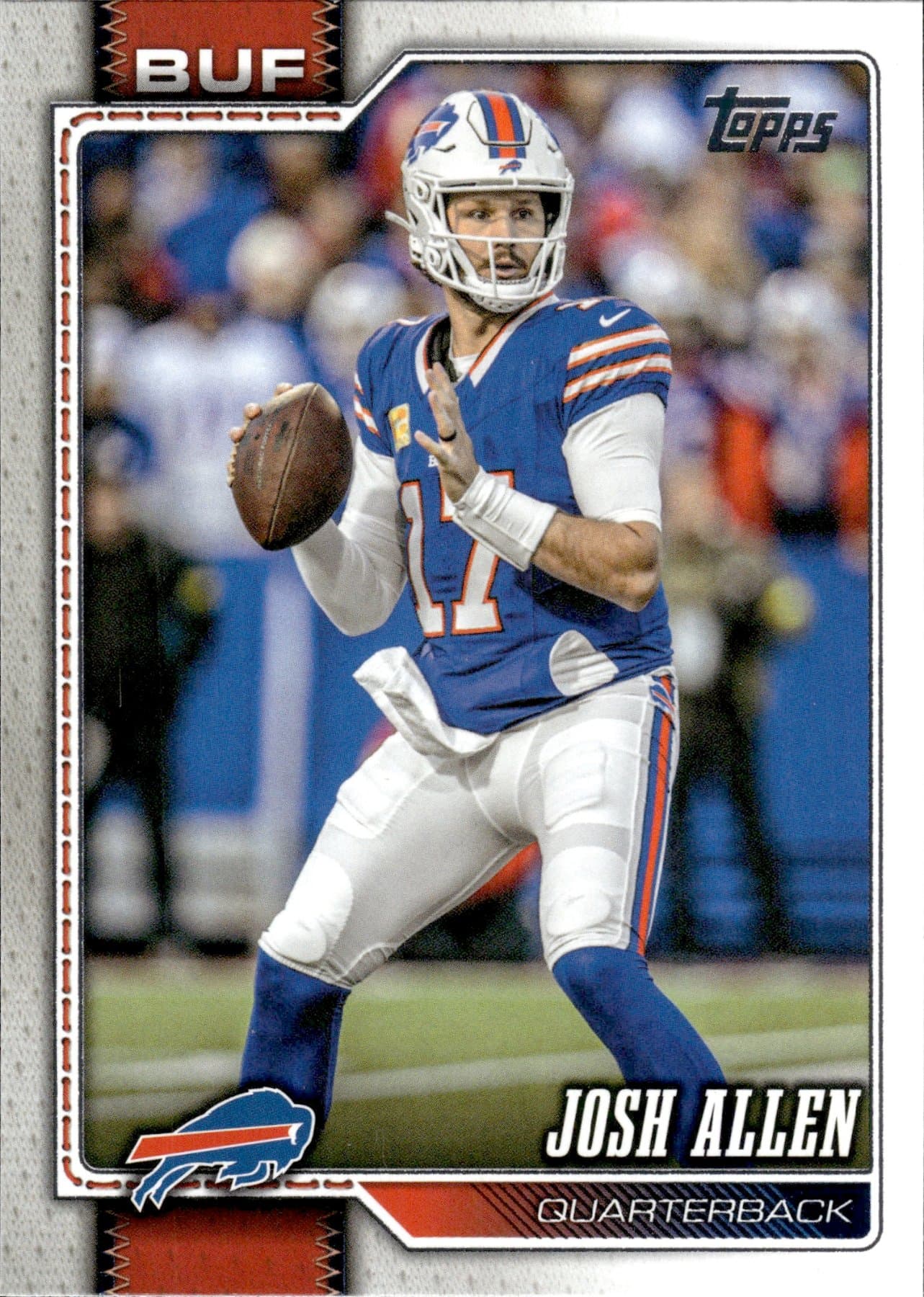
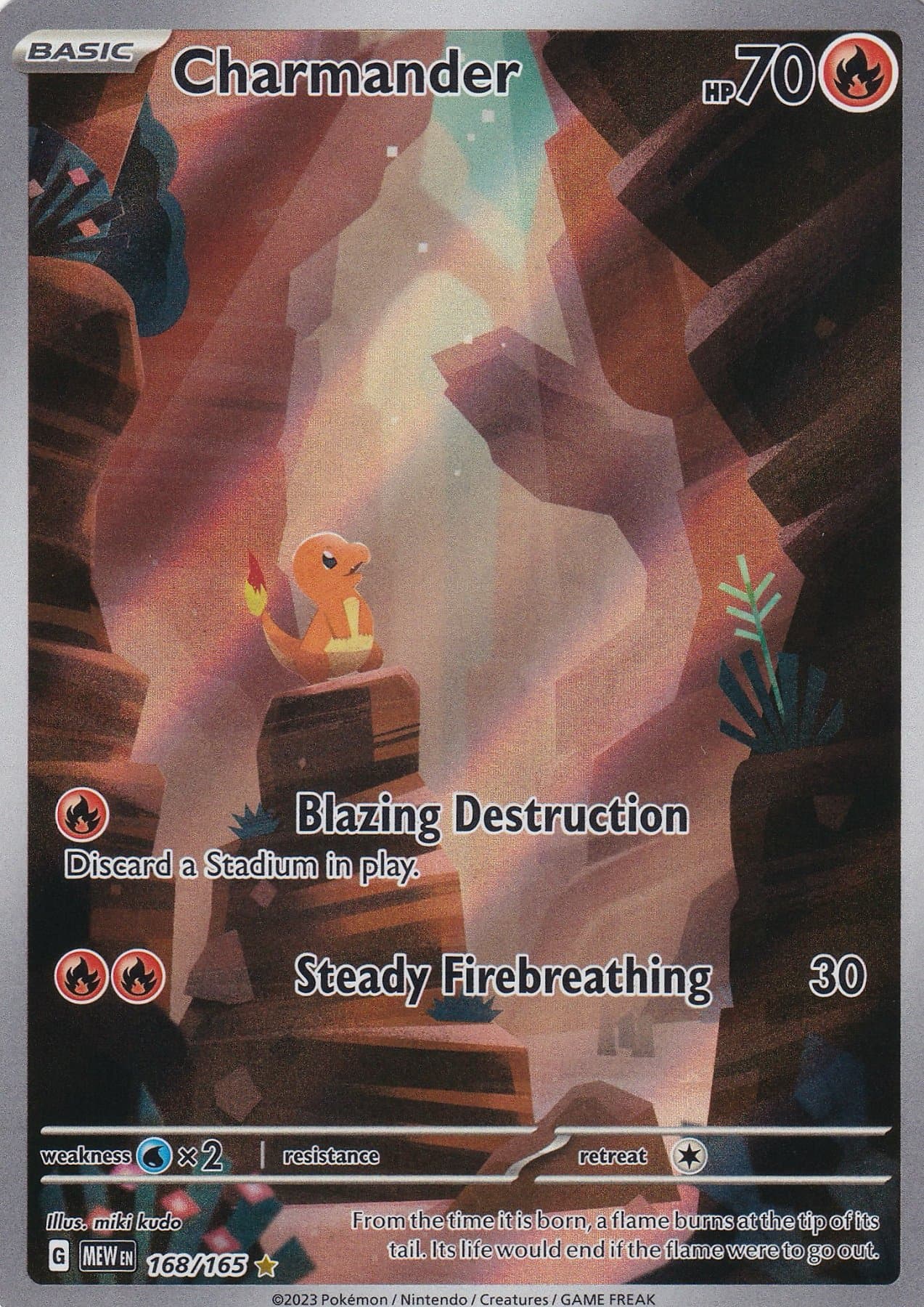
Sports: Baseball, basketball, football & more
TCGs: Pokémon, Magic, Yu-Gi-Oh!, Lorcana & One Piece
Turn sports and trading card photos into eBay listings. Upload phone photos or scanner images, choose individual listings, lots, or You-Picks, then review and publish to your own eBay account.
Your whole listing workflow. No desktop required.
10 free scans to start. Unlock 40 more when you connect eBay and publish your first listing. No credit card required.
YOUR CARD✓ Card identified
✓ Title written
✓ Item specifics filled
YOUR CARD✓ Card identified
✓ Title written
✓ Item specifics filled
YOUR CARD✓ Card identified
✓ Title written
✓ Item specifics filled
YOUR CARD✓ Card identified
✓ Title written
✓ Item specifics filled
A LISTING FOR EVERY STACK
How do you want to sell your cards? Create individual listings, sell them together as a lot, or let buyers choose. You can upload multiple cards with any option.
Upload one card or a whole batch. Each card gets its own listing, photos, title, and price. Review the details before publishing.
Explore single-card listings


Sell a team, player, or set group together for one total price. We assemble the photo grid and card-by-card description.
Explore card lots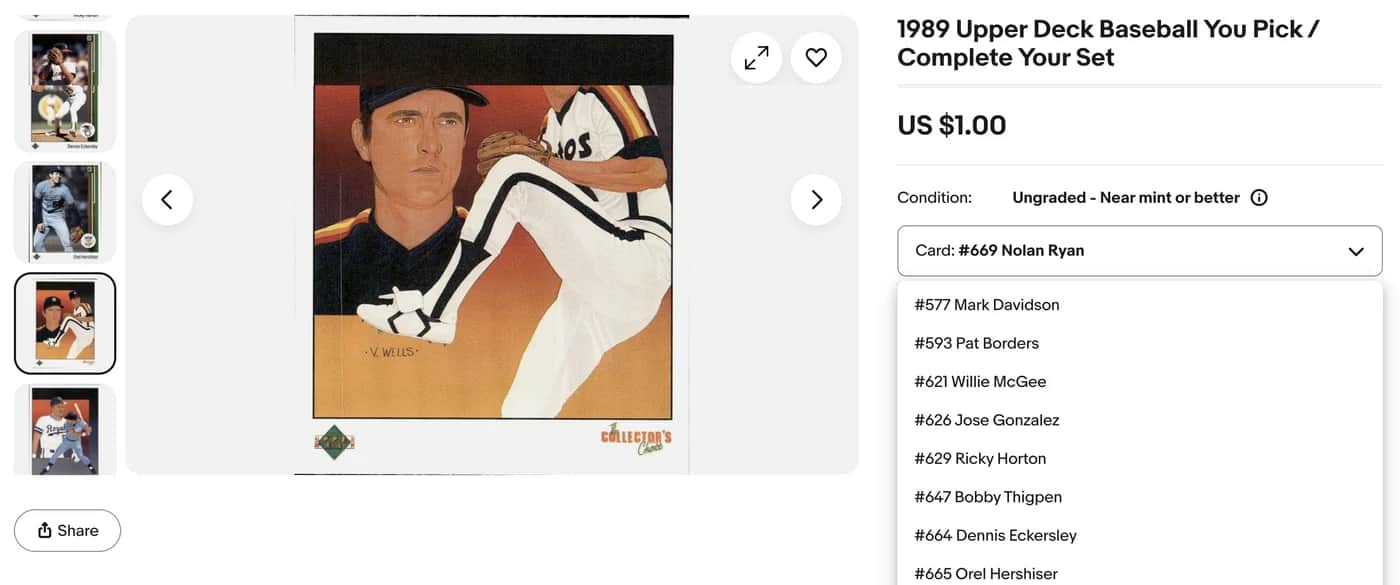
Buyers choose individual cards from one listing. Each choice has its own photo, price, and quantity, with up to 250 choices.
Explore You-Pick listingsRestock live You-Pick listings and find sold cards using location-based pick lists. See how You-Picks work ↗
YOUR PHONE IS ALL YOU NEED
Capture, review, and publish right in your phone’s browser. The whole workflow goes with you.
Photograph the front and back, or upload images from your camera roll.
Check the card, edit the title and details, and set your price on the same screen.
Connect your eBay account and send the listing to your own store. No switch to a computer.
See a real listing go live.
26-second demo · Upload → review → publish
MADE FOR YOUR NEXT BIG BATCH
Work through collections of thousands of cards. Upload scanner images in batches, review the details, and publish to eBay from your desktop.
Scan with your scanner’s software, then upload the saved card images to MyCardFlow.
Same account. Same cards. Pick up on phone or desktop.
Explore the desktop workflow YOUR CARD WORKSPACE✓ Identified✓ Identified✓ Identified✓ Identified
 ✓ Identified
 ✓ Identified
 ✓ Identified
 ✓ Identified
 ✓ Identified
 ✓ Identified
 ✓ Identified
 ✓ Identified
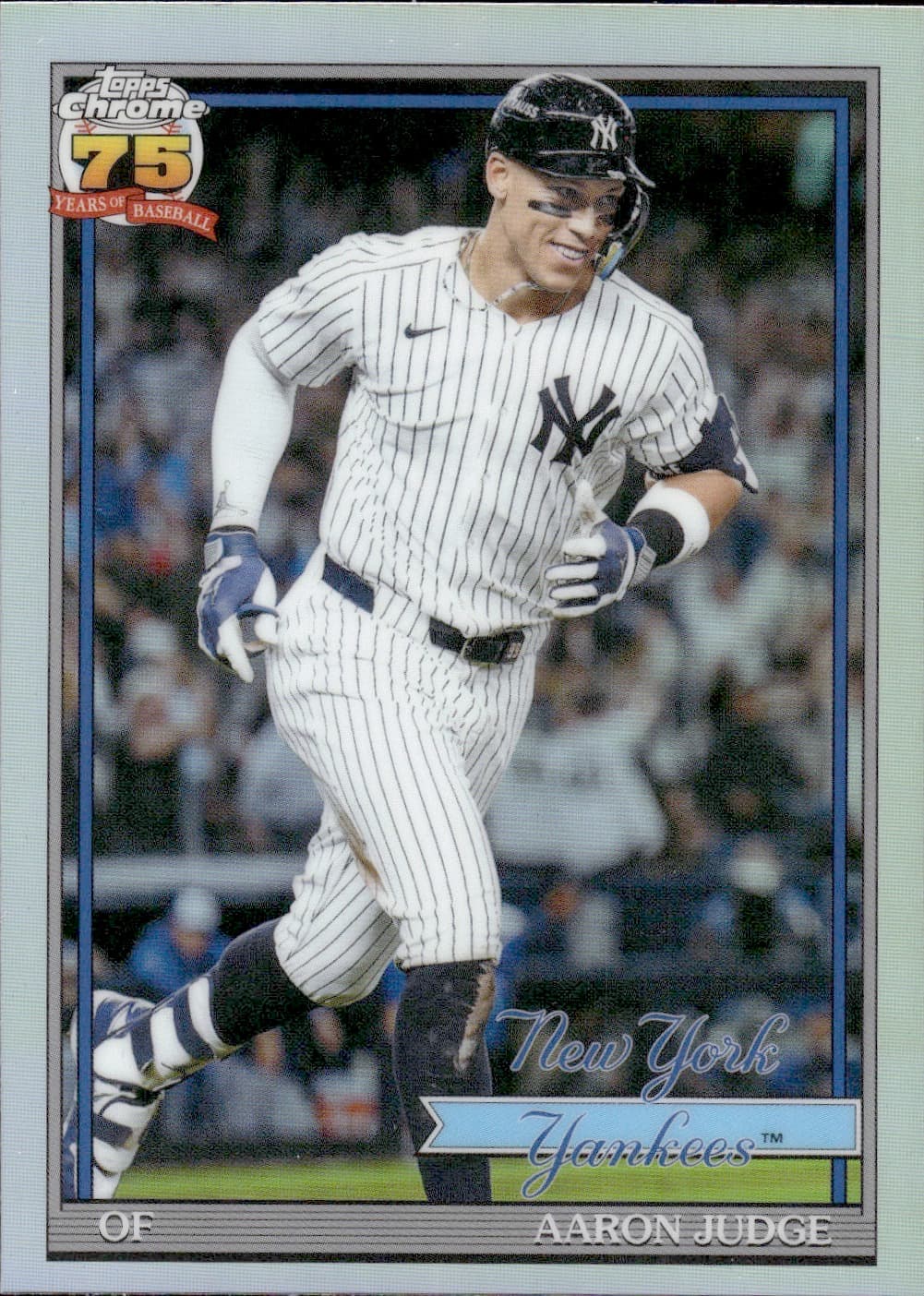
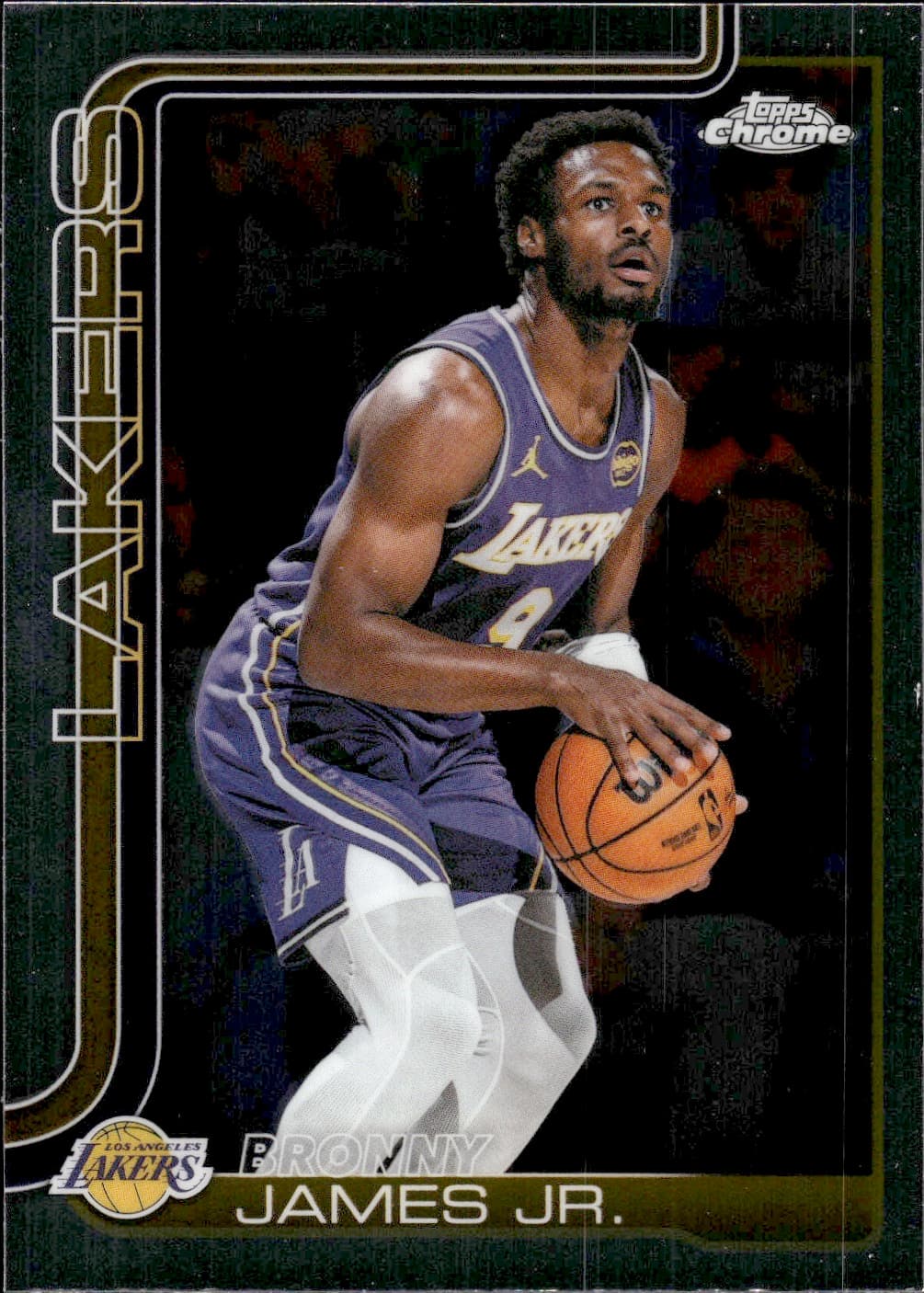
REAL CARDS. REAL SCANS.
From vintage favorites to your latest pulls.
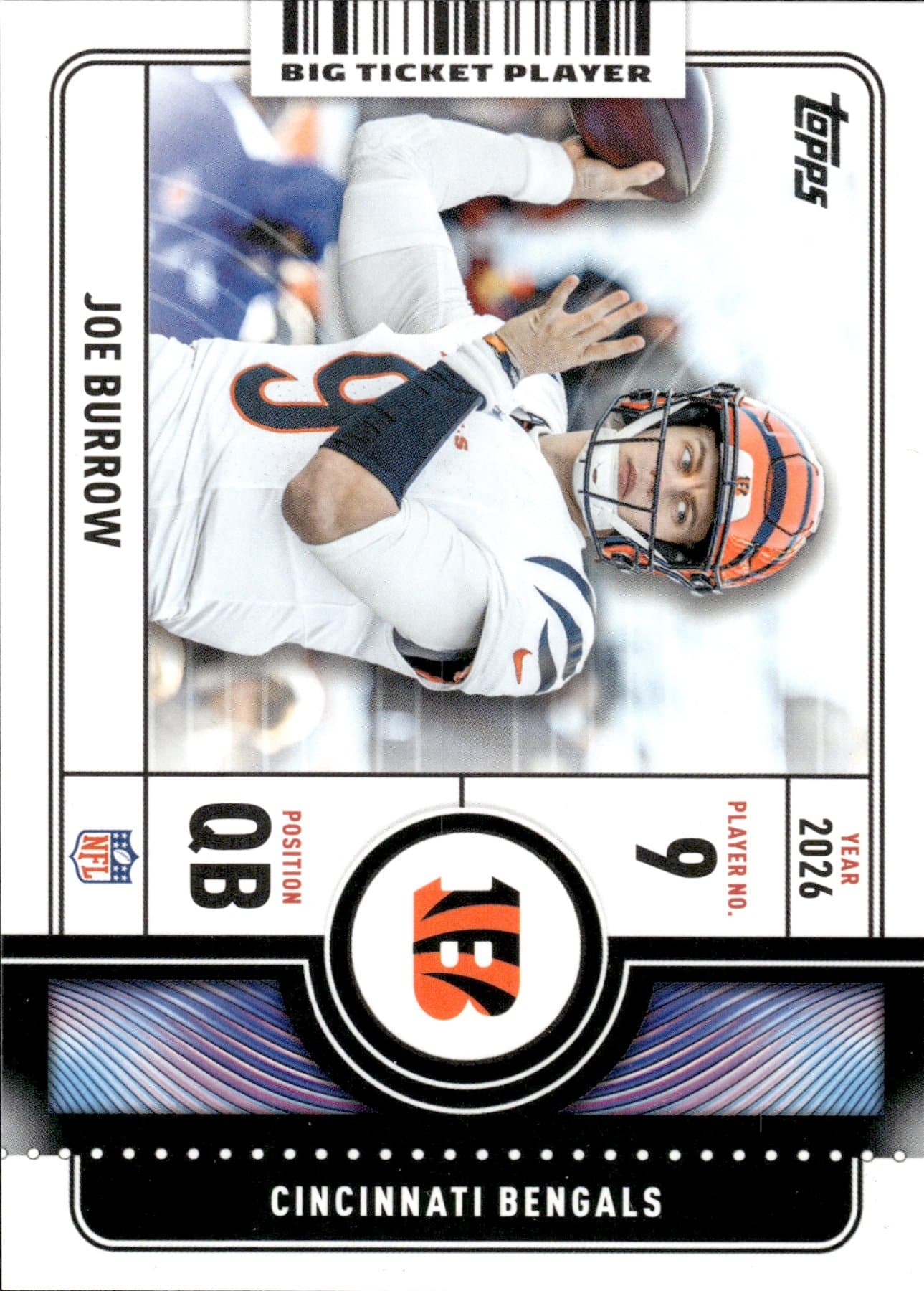
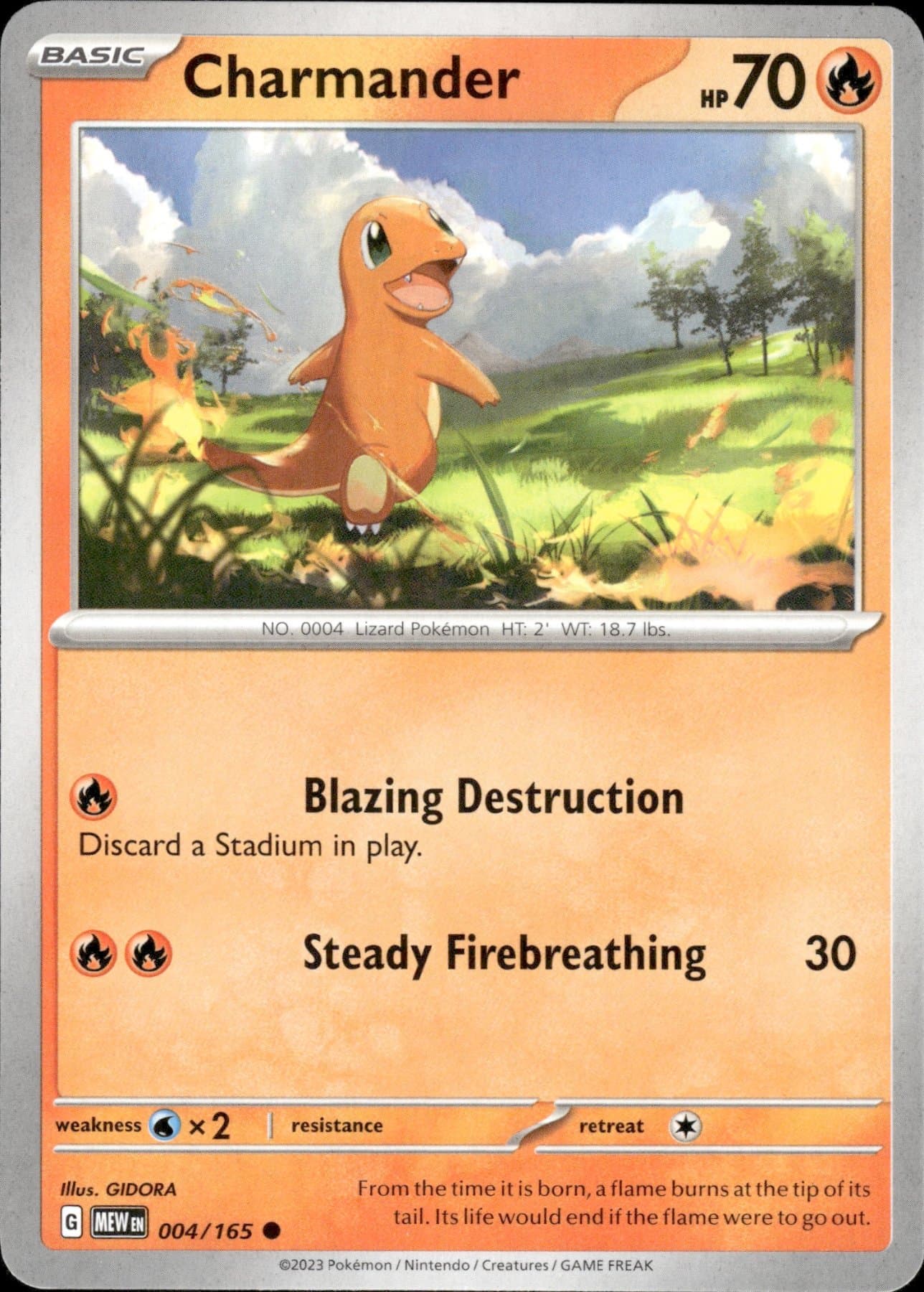
Explore a few cards scanned with MyCardFlow.
8 examples across sports and Pokémon
YOUR CARDS. YOUR BUSINESS.
MyCardFlow prepares the listing.
You decide what goes live.
Connect through the official eBay API. We never see your eBay password.
Check the identification, edit the details, and set your price. Nothing publishes until you choose.
No MyCardFlow commission on your sales. Normal eBay selling fees still apply.
MyCardFlow turns card photos into editable listing drafts with titles, card details and images. Choose individual listings, one bulk lot or a You-Pick listing. You review the card match, condition, quantities, price and shipping before publishing to your connected eBay account.
No. A batch is a group of card images you upload and process. Choose Individual listings to sell each card separately, Sell together as a lot for one purchase at one total price, or You-Pick to let buyers choose individual cards. Every format accepts multiple cards.
Yes. Open MyCardFlow in your phone’s browser, take or upload card photos, review the card details and price, and publish to your connected eBay account. You do not need a desktop computer. You can also use MyCardFlow on desktop with scanner images.
No. Upload clean phone photos or images from a scanner. Front and back is best for single cards; fronts-only works for bulk lots and You-Pick listings.
MyCardFlow supports sports cards and TCG cards, including Pokémon, Magic, Yu-Gi-Oh!, Lorcana, and One Piece. Always review the identified set, variation, and card details before publishing.
Yes. Review and edit the title, card details, and price before publishing. Editing is free, and nothing publishes until you choose to publish it.
Start with 10 free scans at signup. Unlock 20 more when you connect eBay, then another 20 when your first listing goes live. No credit card is required.
MyCardFlow does not take a commission on your sales. Paid plans start at $6.99 per month. Your normal eBay selling fees still apply.
YOUR NEXT LISTING STARTS HERE
Try MyCardFlow with your own cards.
Get started10 free scans to start. Unlock 40 more when you connect eBay and publish your first listing. No credit card required.
See plans and pricing ↗